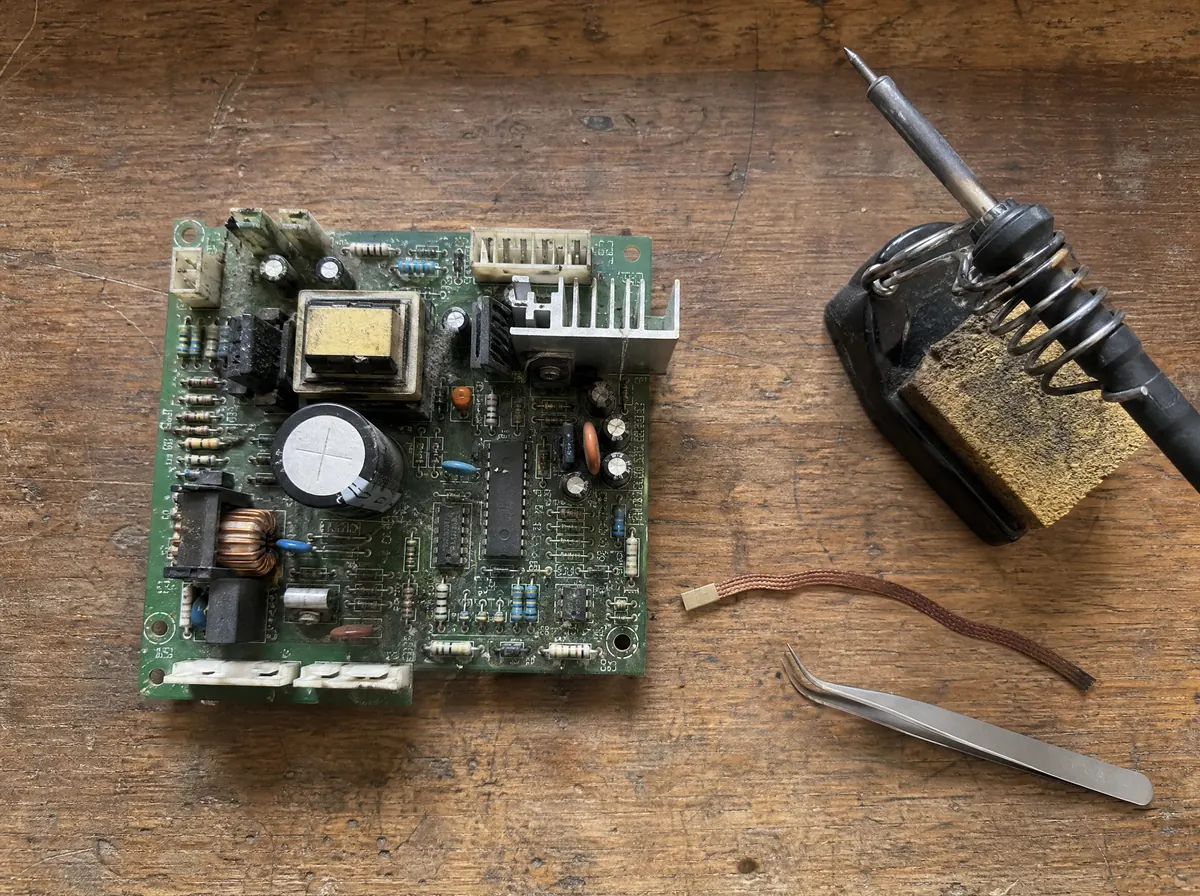
Find the part that failed
A bulging capacitor or a burnt resistor: know what it is and look up a replacement before you desolder anything.
CircuitLens finds the components in the photo, reads their markings and draws how the parts connect. On your phone or your computer, in six languages.
Launch offer until 17 November: 10 free analyses, then 1 free analysis every week.
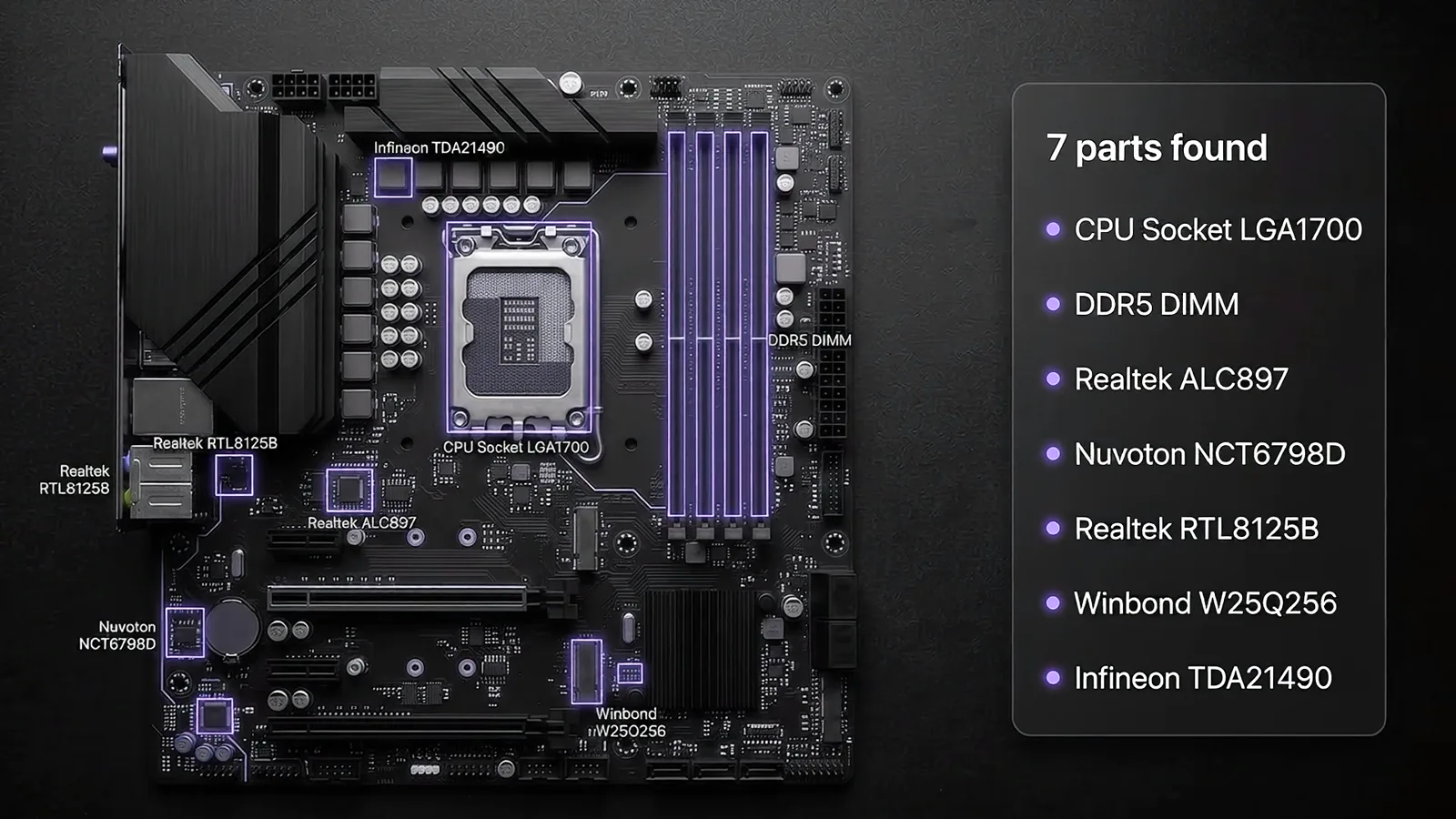
Look around without an account: every tool and a sample analysis are open to everyone. Sign in to analyze your own boards and keep them.
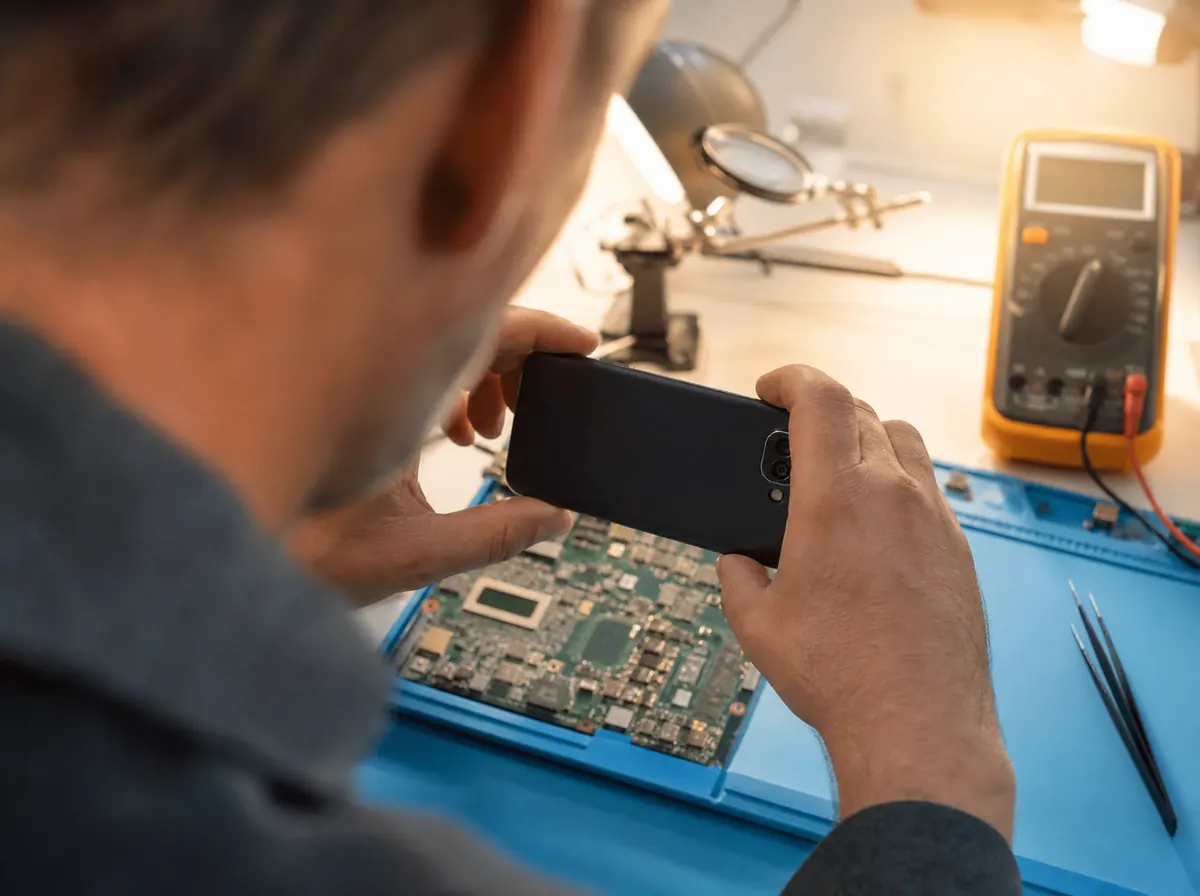
Lay the board flat, fill the frame and avoid flash glare, so the markings stay readable.
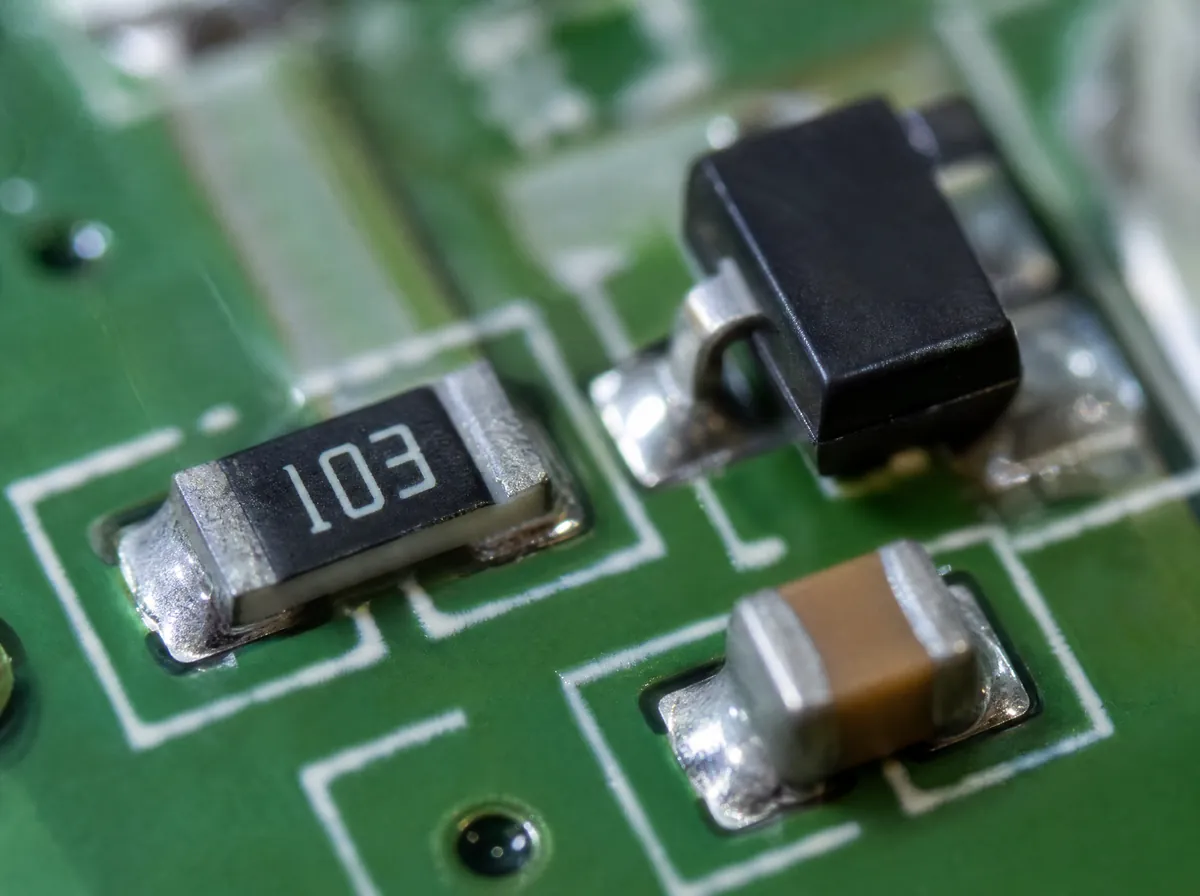
Each part gets its type, its marking, a likely part number and its package.
An approximate schematic of how the parts connect, which you can export to KiCad. Then ask questions about the board in plain words.
Repair technicians, students and makers use it for different reasons.
A bulging capacitor or a burnt resistor: know what it is and look up a replacement before you desolder anything.
Pinouts, reference sheets and short quizzes for the parts you find, so the next board is easier.
In the same six languages, every one of them free and open without an account.
Plans change how many boards the AI analyzes each month. Every tool stays free.
$0
Launch offer until 17 November: 10 free analyses, then 1 free analysis every week.
Start free$5.99 / month
10 board analyses a month.
Choose AI Starter$11.99 / month
25 analyses a month with the advanced AI detection and analysis.
Choose AI Plus$23.99 / month
60 analyses a month with the advanced AI detection and analysis.
Choose AI MaxPrices in US dollars. In the Android app, Google Play shows its own price in your currency. Cancel a plan any time from Account settings.

Open CircuitLens in your browser, on your phone or your computer.