Find the part that failed
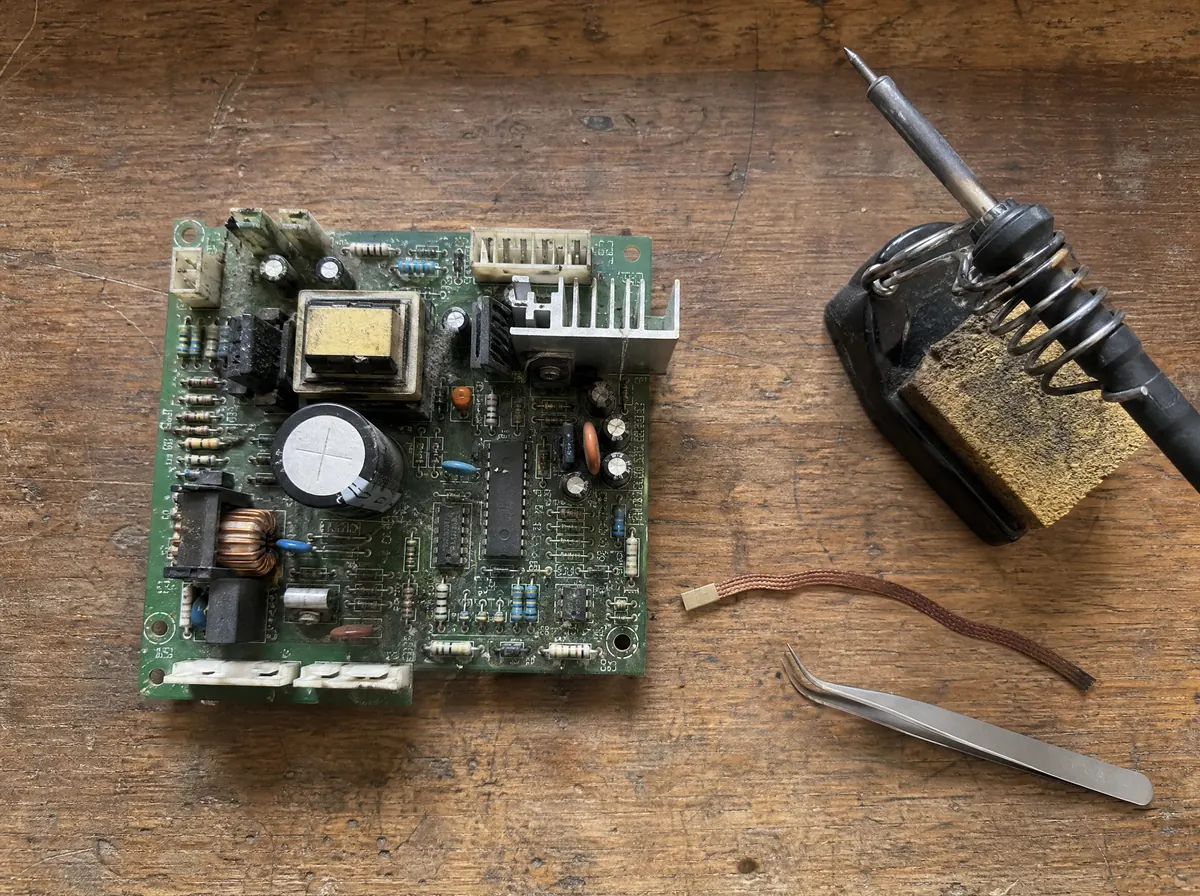
A bulging capacitor or a burnt resistor: know what it is and look up a replacement before you desolder anything.
You're offline — calculators, simulations, pinouts and reference tables still work. Analysis needs a connection.
This week's free analysis is used. Next one Monday.
An account is only needed to analyse a board photo with AI, and to keep your history. The calculators, pinouts and reference tables are free and need no sign-in.
Don't have an account yet?
Get the daily challenge and new articles as notifications
One short electronics question a day, and each new Journal article. Stop them any time in Settings.
Front and back of the same board go into one project.
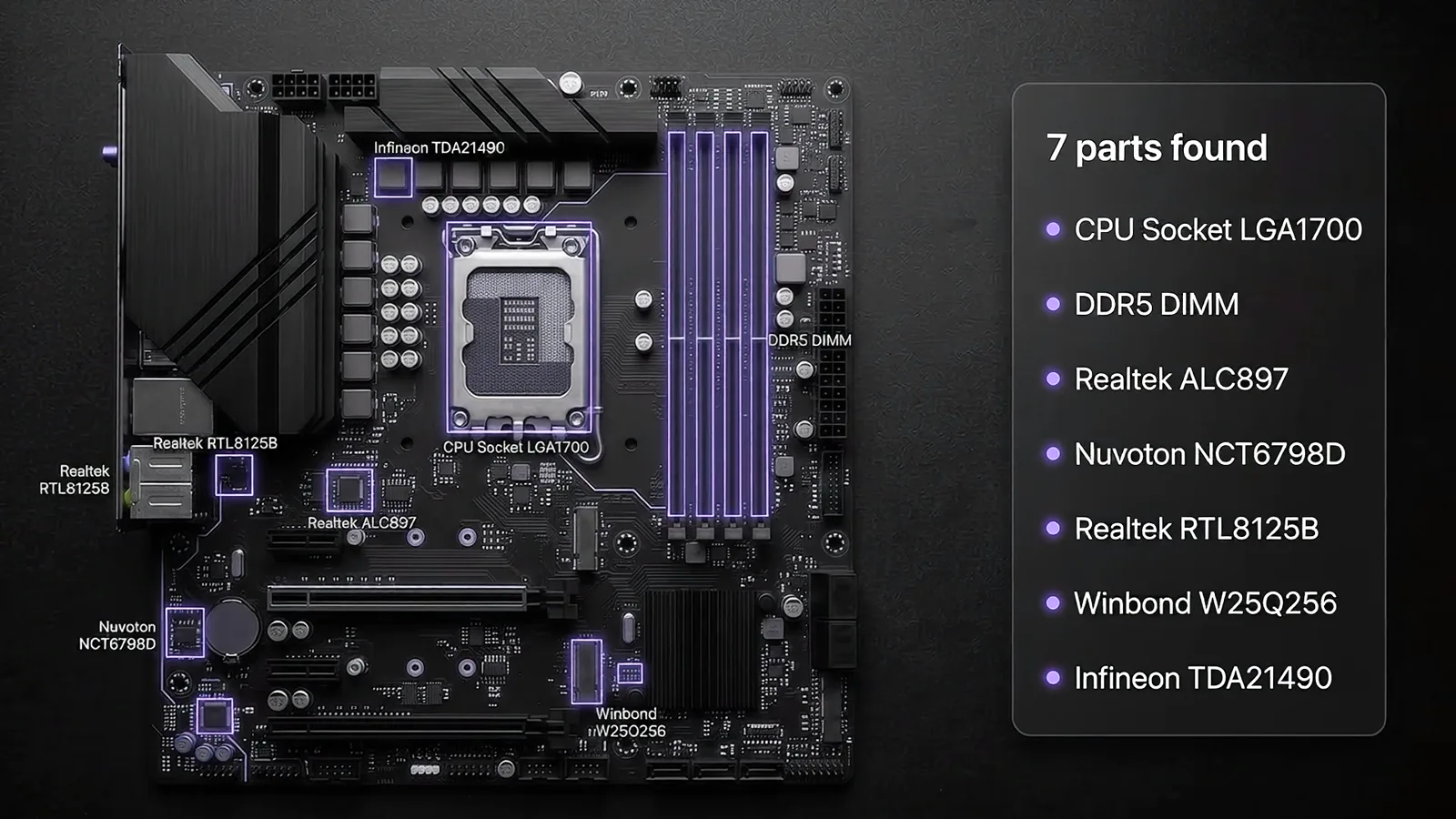
CircuitLens finds the components in the photo, reads their markings and draws how the parts connect. On your phone or your computer, in six languages.
Look around without an account: every tool and a sample analysis are open to everyone. Sign in to analyze your own boards and keep them.
Lay the board flat, fill the frame and avoid flash glare, so the markings stay readable.
Each part gets its type, its marking, a likely part number and its package.
An approximate schematic of how the parts connect, which you can export to KiCad. Then ask questions about the board in plain words.
Repair technicians, students and makers use it for different reasons.
A bulging capacitor or a burnt resistor: know what it is and look up a replacement before you desolder anything.
Pinouts, reference sheets and short quizzes for the parts you find, so the next board is easier.
In the same six languages, every one of them free and open without an account.
Plans change how many boards the AI analyzes each month. Every tool stays free.
Free 1 analysis every week, and every tool.
One photo is enough: the AI names every part, draws the schematic and answers your questions about the board.
Add one or more photos of the same board: front, back, a close-up.
Drop a photo here, or pick it from a folder. Best when the photo is already on the computer.
Sharper and straighter: the phone guides the tilt and the crop. Scan the code with its camera, no sign-in on the phone.
One more free analysis every week
Let CircuitLens use your board photos to improve its AI and get 1 more free analysis every week. Your photos are never published or shared, and you can turn this off at any time in Settings.
Adding a photo to
Usually 30 s to 2 min. You can keep using the app - the result also lands in My projects.
No photos yet. Add a photo to start this project.
Pick a part on the photo or in the list to see its details here.
Tap a part to see what it is and why the AI thinks so.
No schematic yet
Analyze a photo first to generate a draft schematic.
This photo is already a schematic
Its explanation is above, its parts in the Parts tab and questions in the Ask tab.
Usually 1 to 2 min. The schematic is saved with the analysis in My projects.
Something wrong? Edit any field, change a part's kind, delete a false part or add a missed one with “+ Add component”. Your corrections are saved, and they help CircuitLens get better.
| # | Preview | Designator | Type | Markings | Likely reference | Package | Notes | Confidence | Level | Qty | Mouser | LCSC |
|---|
For example: "What does this board do?" or "Why is there a capacitor right next to the USB-C input?"
Questions don't use up an analysis.
No favorites yet — the ☆ on any open page saves it here.
No analysis saved yet
The boards you analyze will appear here, along with their components and schematic.
Search the LCSC catalogue: package, stock, price and a datasheet link, without an account.
No articles yet — check back tomorrow.
Was this page useful?